
In this IP camera category you will find both wired and wireless network cameras that connect directly to your home or office network. These standalone devices can upload their live video stream to the internet without the need for a separate recorder, and can also be integrated into a larger surveillance system.
The live image from the cameras can be viewed from virtually anywhere via a computer, tablet or smartphone, making them ideal for monitoring homes, offices, shops or holiday properties. The range includes fixed-lens models as well as cameras with motorised lenses that can be panned, tilted or zoomed remotely for more flexible monitoring.
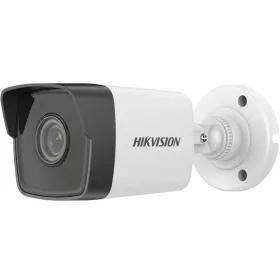
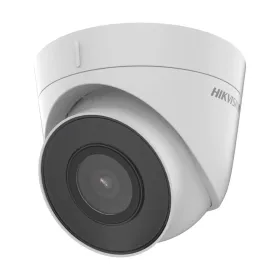
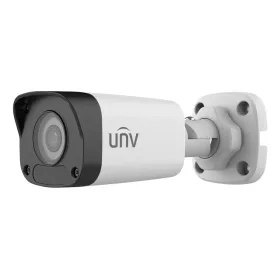
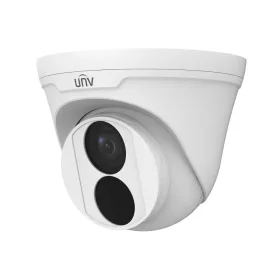
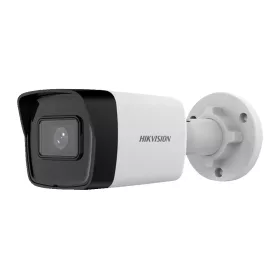
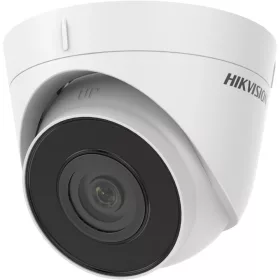
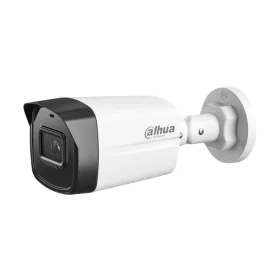
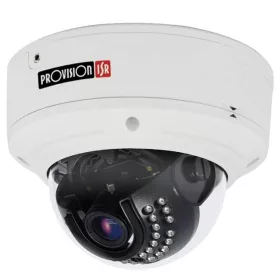
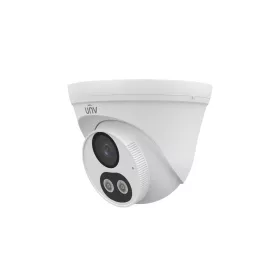
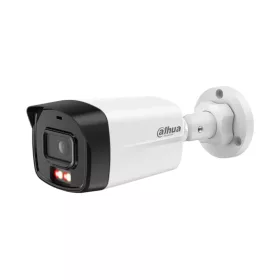
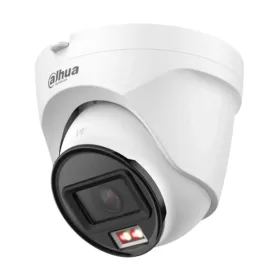
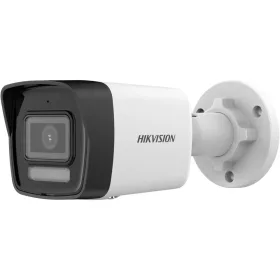
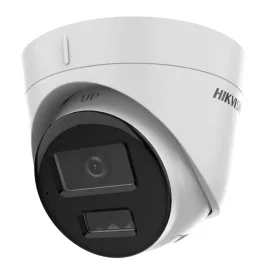
Hikvision DS-2CD1343G2-LIU 4MP dome IP camera (smart colour night vision, microphone, 2.8mm, IR 30m)
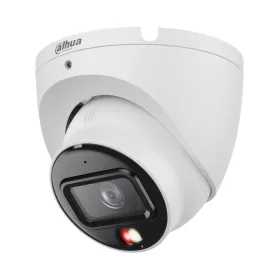
IP cameras are modern network-based surveillance devices designed for reliable, everyday monitoring in homes, offices, shops and industrial environments. Instead of transmitting analogue signals, they send digital video over your network, which helps maintain image quality and allows flexible storage and remote access options.
Unlike traditional analogue CCTV systems, an IP camera connects directly to your router or switch via Ethernet cable or WiFi. The video stream can then be recorded on a network video recorder (NVR), computer, NAS, memory card in the camera, or a compatible cloud service, depending on the model.
Key advantages of IP cameras
IP cameras are popular because they combine high image quality with flexible installation and smart features.
• Digital signal transmission: The video signal remains digital from the camera to the recorder or viewing device, so there is no typical analogue signal degradation.
• High resolution: Many models offer HD, Full HD, 2MP, 4MP or even 4K resolution, providing detailed, sharp images that help identify people, license plates and small details.
• Easy installation: Depending on the model, installation can be as simple as connecting power and network, then completing a short software or app-based setup wizard.
• Standard cabling: Most wired IP cameras use standard Ethernet (UTP) cabling, which is widely available and easy to install in both new and existing buildings.
• Flexible recording options: If a permanently running computer, NVR or server is available, a separate dedicated recorder is not always necessary. Many cameras support direct recording to microSD card or network storage.
Installation and basic use
The exact steps depend on the specific device and software, but the process is generally straightforward:
- Connect the camera to power and your network. For PoE models, a PoE injector or PoE switch can deliver both power and data over a single Ethernet cable.
- Install the recommended software or mobile app from the manufacturer or use a compatible NVR.
- Use the software or app to detect the camera on your local network.
- Configure basic settings such as IP address, gateway, date and time, and recording preferences.
- Open the camera’s interface in a browser or app using its IP address or cloud access method, then fine-tune image and motion detection settings.
- Mount the camera in the desired location using the included screws and anchors, and adjust the viewing angle.
Once configured, the camera’s live image and recordings can usually be accessed locally and, where supported, remotely over the internet using secure login details.
Typical features of IP cameras
Most IP cameras in this category are designed to cover a wide range of monitoring needs, from simple home use to more demanding business applications.
• Resolution: Common resolutions include 2MP (Full HD), 4MP and higher megapixel variants, up to 4K on certain models. Higher resolution provides more detail but typically requires more storage and bandwidth.
• Lens type: Cameras may feature fixed-focus lenses for general monitoring or varifocal/zoom lenses that allow you to adjust the field of view for narrower, long-distance or wider coverage.
• Infrared night vision: Many models include built-in infrared LEDs or sensors that enable recording in low light or complete darkness, within the specified IR range.
• Storage options: Depending on the model, recording can be done to internal storage, microSD card, NVR, NAS or compatible cloud services. This flexibility allows you to choose the solution that best fits your security and data management needs.
• Network connectivity: IP cameras typically connect via Ethernet or WiFi. Some specialised models may also support mobile networks such as 4G/LTE for locations without wired internet.
• Remote access and control: With the help of mobile apps or PC software, you can view live video, playback recordings, adjust settings and receive notifications from almost anywhere with an internet connection.
Recording modes and smart functions
Many IP cameras support multiple recording modes so you can optimise storage usage and focus on important events.
• Recording modes: Options may include continuous recording, motion-triggered recording, scheduled recording and manual recording. These can often be combined to match your daily routine.
• Cloud storage support: Certain models offer optional cloud storage services through the manufacturer or third-party providers. This can provide off-site backup and convenient access to recordings.
• Audio functions: Some cameras include a built-in microphone, and in some cases a speaker, enabling audio recording and, where supported, two-way communication via the app.
• Intelligent analytics: Depending on the device, functions may include motion detection, area-based detection, and other smart alerts that help focus on relevant activity. These can improve efficiency by reducing unnecessary recordings.
• Compatibility: Many IP cameras are designed to work with common operating systems, browsers and mobile apps. Some are compatible with standard video protocols used by NVRs and third-party software, making system expansion easier.
Installation options and applications
IP cameras are versatile and can be installed in different ways according to the environment and monitoring goals.
• Mounting: Most models can be mounted on walls or ceilings, and some can also be placed on flat surfaces such as shelves or desks using their base or included stand.
• Indoor and outdoor use: Depending on the housing and rating, certain cameras are suitable for indoor use only, while others are built for outdoor conditions with weather-resistant enclosures.
• Typical use cases: IP cameras are widely used for home security, office and shop monitoring, warehouse and industrial sites, schools, healthcare facilities and other commercial environments where continuous or event-based monitoring is required.
When choosing an IP camera, consider where it will be installed, the required viewing angle, lighting conditions, network options and how you plan to store and access the recordings. This will help you select a solution that fits both your technical environment and your security expectations while remaining easy to operate in everyday use.

